
Email Signature Format Converter
Transform your plain text email signature into polished HTML or rich text with our free converter. Create professional signatures in seconds!
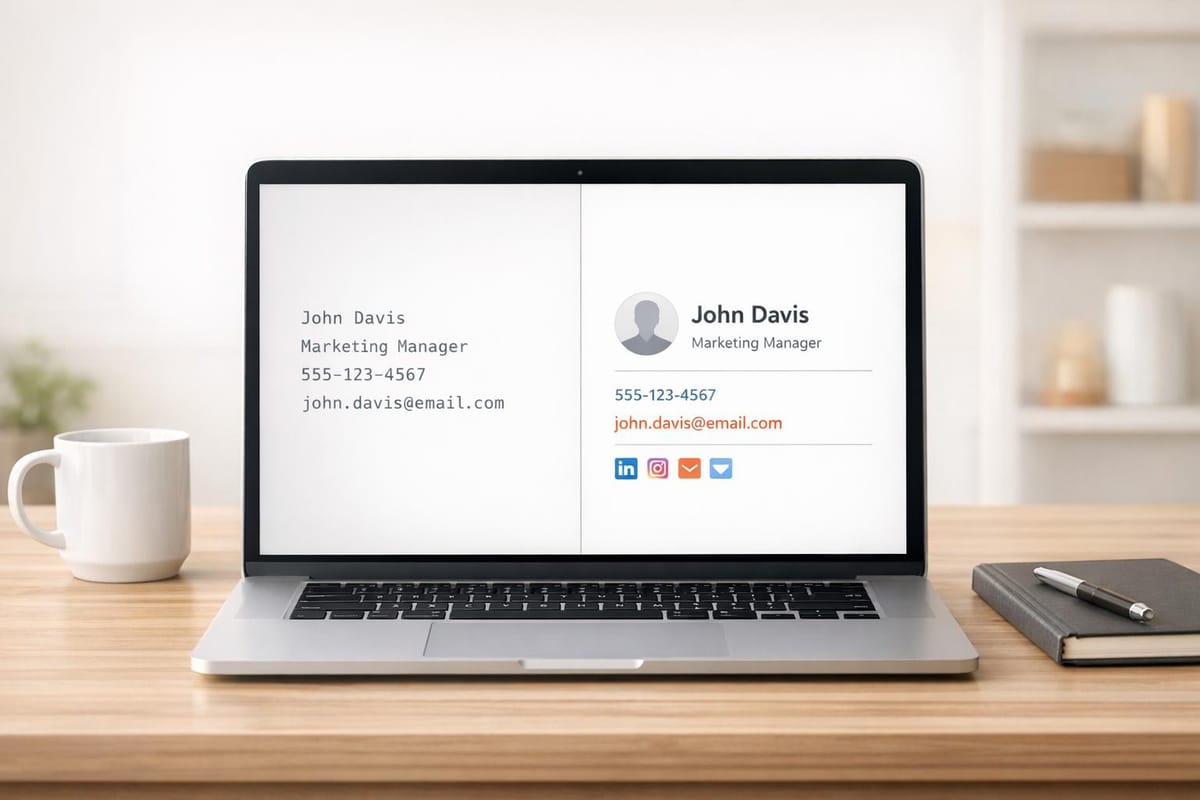
Elevate Your Emails with a Professional Signature
In today’s digital world, every detail counts when it comes to making a strong impression. Something as small as a well-crafted email signature can set you apart in a crowded inbox. That’s where a tool to transform your basic contact info into a polished, formatted design comes in handy. Whether you’re networking, pitching clients, or just keeping things professional, a sleek signature adds that extra touch of credibility.
Why Formatting Matters
A plain block of text at the end of your emails might get the job done, but it often looks sloppy or uninspired. By converting your details into a structured layout—think clickable links, clean fonts, or subtle branding—you project confidence and attention to detail. It’s especially useful for freelancers and small business owners who rely on email to build relationships. Plus, with the right formatting, your contact info becomes easier to read and act on.
A Simple Fix for Better Branding
Creating a standout signature doesn’t have to be complicated. With tools designed to streamline the process, you can upgrade your email footer in minutes. It’s a small change with a big impact on how others perceive your personal or business brand.
FAQs
What formats can I convert my email signature to?
You can convert your signature into HTML for a fully styled look, rich text for basic formatting, or even a neat plain text version with dividers. HTML works great if you want clickable links or colors, while plain text is perfect for simplicity across all email clients.
Do I need design or coding skills to use this tool?
Not at all! This tool is built for everyone, whether you’re tech-savvy or not. Just type in your details, pick a format, and we’ll handle the rest. You’ll get a ready-to-use signature without touching a single line of code.
Can I preview how my signature will look in emails?
Yes, absolutely. Once your signature is formatted, we’ll show you a live preview of how it might appear in an email client. Keep in mind that exact rendering can vary slightly depending on the email app you use, but it’ll give you a solid idea.