Email Deliverability in 2026: The Complete Guide for Cold Outreach
Your complete guide to cold email deliverability in 2026, from setup to inbox placement.
Cold email is still one of the most powerful channels for generating leads, booking meetings, and growing a business. But in 2026, sending an email and expecting it to land in the inbox is no longer automatic. Cold email deliverability has become a technical discipline that every sales professional, marketer, and founder must understand if they want their outreach to produce real results.
Email providers like Google, Microsoft, and Yahoo have raised their standards significantly over the past few years. They now use machine learning, engagement data, and sender reputation scoring to decide whether your email belongs in the inbox, the promotions tab, or the spam folder. If you are sending cold outreach at any volume without a proper technical setup, there is a very good chance your emails are never being seen.
This guide covers everything you need to know about cold email deliverability in 2026, from the foundational technical requirements to advanced inbox placement strategies. Whether you are just starting your first cold email campaign or you are trying to fix a damaged sender reputation, this guide has you covered.
What Is Cold Email Deliverability and Why Does It Matter in 2026?
Cold email deliverability refers to the ability of your emails to successfully reach the inboxes of your intended recipients. It is not just about whether an email was technically sent or received by a mail server. True deliverability means your email landed in the primary inbox, not the spam folder or the promotions tab, where it is unlikely to be opened.
In 2026, inbox placement rate has become one of the most important metrics for any cold email program. The inbox placement rate measures the percentage of your sent emails that actually appear in the recipient's inbox. A poor inbox placement rate means your carefully written emails, your personalized subject lines, and your thoughtful follow-up sequences are all going to waste because the people you are targeting never see them.
The stakes are higher than ever because major inbox providers have tightened their filtering systems. Google's spam filters now process more than 15 billion emails per day, and they use behavioral signals, domain reputation, and IP history to filter out unwanted mail. Microsoft's Exchange Online Protection uses a sophisticated layered approach that considers dozens of factors before deciding where your email goes. If your sending infrastructure does not meet their standards, you will struggle to get consistent inbox placement regardless of how good your email copy is.
Beyond the technical side, cold email deliverability matters because it directly affects your business outcomes. Sales teams that cannot get their emails into the inbox are effectively invisible to their prospects. Marketing teams running outbound campaigns waste budget and time when deliverability breaks down. Understanding and actively managing deliverability is the foundation of any successful cold outreach strategy.
The Core Technical Requirements for Cold Email Deliverability
Before you send a single cold email, you need to have the right technical infrastructure in place. This is not optional in 2026. Email providers check these technical signals before your email even gets evaluated for content. Getting this foundation right is the single most important step you can take to improve email deliverability.
SPF (Sender Policy Framework)
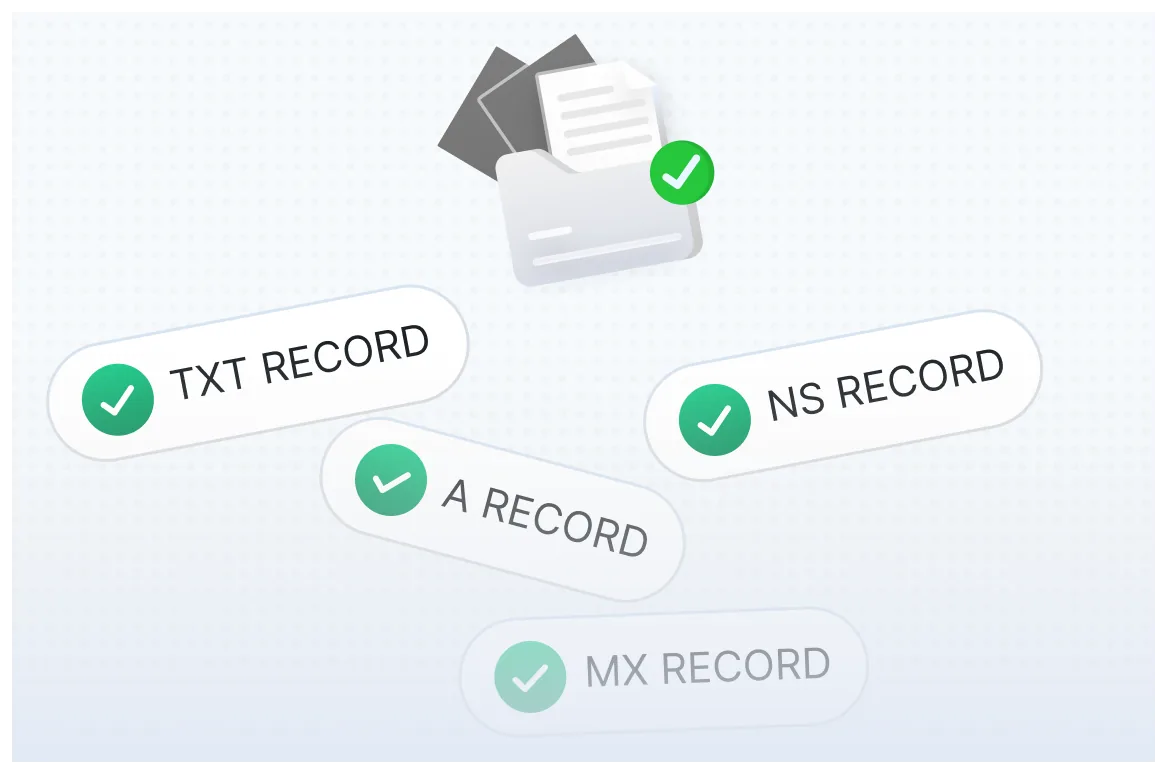
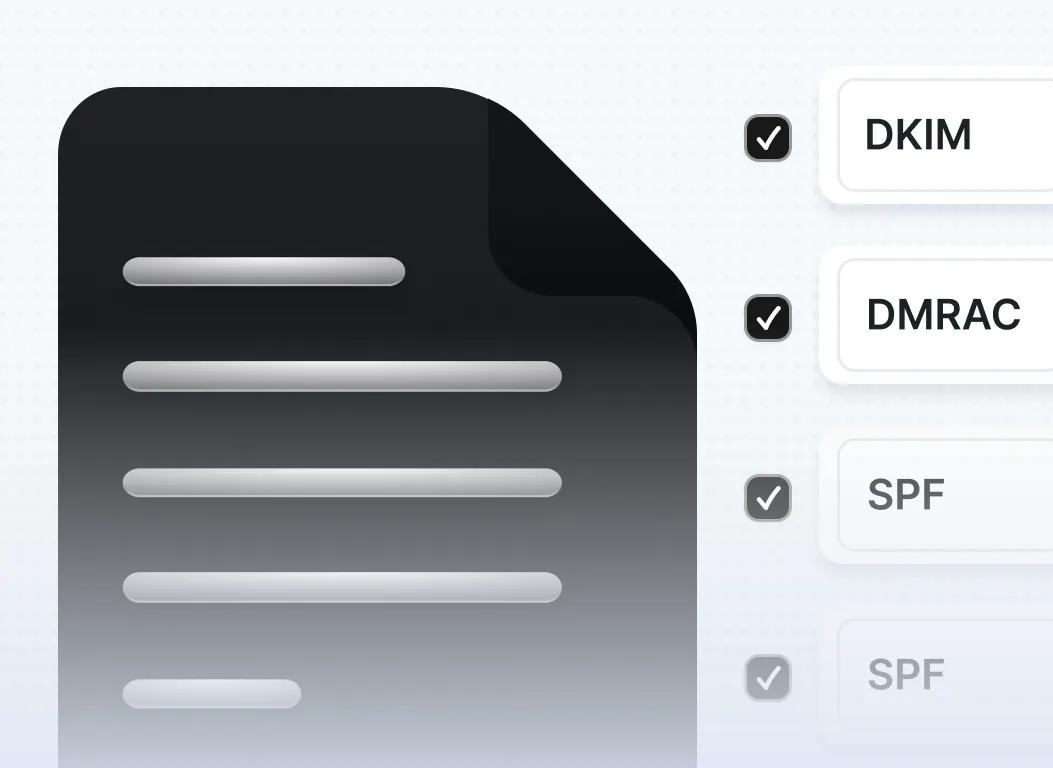
SPF is a DNS record that tells email providers which mail servers are authorized to send email on behalf of your domain. When an email arrives claiming to be from your domain, the receiving server checks your SPF record to verify that the sending server is on your approved list. Without a valid SPF record, your emails are much more likely to be flagged as suspicious or rejected outright.
Setting up SPF involves adding a TXT record to your domain's DNS settings. The record lists the IP addresses and mail servers allowed to send from your domain. For most senders using a dedicated email platform like Google Workspace or Microsoft 365, the SPF record is straightforward to configure. The important thing is that it exists, that it is correctly formatted, and that it does not include too many lookups, which can cause SPF to fail.
DKIM (DomainKeys Identified Mail)
DKIM adds a cryptographic signature to every email you send. This signature allows receiving mail servers to verify that the email genuinely came from your domain and that the content was not altered in transit. DKIM is now considered a baseline requirement for serious email senders, and its absence is a strong negative signal to spam filters.
To set up DKIM, you generate a public and private key pair. The private key is stored securely with your email sending service, and the public key is published in your domain's DNS as a TXT record. Every outgoing email is signed with the private key, and receiving servers use the public key to verify that signature. When this process works correctly, it builds trust with inbox providers and contributes positively to your sender reputation.
DMARC (Domain-based Message Authentication, Reporting and Conformance)
DMARC builds on top of SPF and DKIM by giving domain owners control over what happens when an email fails authentication checks. A DMARC policy can instruct receiving servers to quarantine or reject emails that do not pass SPF or DKIM verification. This protects your domain from being used in phishing and spoofing attacks, and it signals to inbox providers that you take email security seriously.
In February 2024, Google and Yahoo made DMARC a requirement for bulk senders, and the industry has continued to move in this direction throughout 2025 and into 2026. If you are sending cold outreach at scale and you do not have a DMARC policy in place, you are taking a significant risk with your deliverability. A policy set to "p=none" is a starting point that allows you to monitor authentication failures without affecting email flow, and you can gradually tighten it to "quarantine" or "reject" as you gain confidence.
BIMI (Brand Indicators for Message Identification)
BIMI is a newer standard that allows brands to display their logo next to authenticated emails in supported inbox clients. While it is not yet universally adopted, implementing BIMI demonstrates a high level of sender legitimacy and can improve open rates in mailboxes that support it. Gmail supports BIMI for senders with a verified mark certificate, and its adoption has grown considerably heading into 2026.
Domain and IP Reputation: The Invisible Force Behind Inbox Placement
Even with perfect technical authentication, your cold email deliverability depends heavily on your sender reputation. Sender reputation is a score that inbox providers assign to your sending domain and IP address based on your email sending behavior over time. This score influences every deliverability decision those providers make about your emails.
Domain reputation tracks the history of emails sent from your specific domain, such as yourbusiness.com. IP reputation tracks the history of emails sent from your mail server's IP address. Both matter, and both need to be managed carefully if you want consistently strong inbox placement rates.
One of the most common mistakes cold email senders make is sending outreach from their primary company domain. If your deliverability suffers, your main business domain can be flagged, which affects all the emails your company sends, including transactional emails to customers. The better approach is to set up one or more secondary domains specifically for cold outreach. These sending domains should be variations of your main brand, such as yourbusinesshq.com or yourbusiness.io, and they should be set up with full SPF, DKIM, and DMARC authentication.
IP reputation is equally important for high-volume senders. If you are sending from a shared IP address through an email service provider, your reputation is partly tied to the behavior of all other senders on that IP. Dedicated IP addresses give you full control over your reputation, but they require you to warm them up properly before sending at scale.
Spam complaints are the single biggest driver of reputation damage. When recipients mark your email as spam, that signal is fed directly back to inbox providers and weighted heavily in their reputation scoring algorithms. According to research published in the field of email filtering and machine learning, spam classification systems rely on a combination of user feedback signals and content features to continuously update their filtering models. Keeping your spam complaint rate below 0.1 percent is critical for maintaining strong deliverability in 2026.
How to Warm Up a New Domain or IP Address
If you are starting with a brand-new domain or IP address for cold outreach, you cannot immediately begin sending hundreds or thousands of emails per day. New senders have no reputation history, which makes them inherently suspicious to inbox providers. The warming process involves gradually increasing your sending volume over several weeks while building positive engagement signals.
Domain warming typically takes between four and eight weeks, depending on your target sending volume. During the warm-up period, you send a small number of emails per day and gradually increase the volume as you establish a track record of positive engagement. The key is that the emails you send during warm-up should come from a clean, verified list and should generate strong open and reply rates to signal that your messages are welcome.
The first week of warming might involve sending 20 to 50 emails per day to contacts you are confident will engage. By week three or four, you might be at several hundred per day. By week six or eight, depending on your spam complaint rate and engagement metrics, you may be ready to scale to thousands of emails per day. Rushing this process is one of the most common reasons cold email campaigns fail from the start.
Several email warm-up tools exist specifically to automate and accelerate this process. These tools send emails between a network of real inboxes and generate automatic replies and positive engagement signals. While they are helpful, they are not a complete substitute for genuine human engagement. The best warm-up strategy combines automated tools with a real outreach list of people who are likely to open and respond to your emails.
Email Deliverability Best Practices for Cold Outreach in 2026
Beyond the technical setup, there is a set of operational email deliverability best practices that every cold email sender should follow. These practices directly influence your inbox placement rate, your sender reputation, and the long-term health of your sending domains.
Keep Your Contact List Clean and Verified
Sending to invalid email addresses generates hard bounces, which are a strong negative signal for inbox providers. A hard bounce rate above 2 percent can seriously damage your domain reputation and trigger spam filters. Before importing any list into your cold email tool, run every address through an email verification service to remove invalid, outdated, and role-based addresses. Clean your list regularly, removing addresses that have not engaged with any of your emails over an extended period.
Personalize Your Outreach Meaningfully
Generic, template-heavy emails perform poorly in 2026, both with human recipients and with spam filters. Inbox providers look at engagement data at scale. If large numbers of recipients are deleting your emails without opening them or marking them as spam, your reputation suffers. Personalizing your emails at the level of the opening line, the value proposition, or a specific reference to the recipient's business not only improves response rates but also generates the engagement signals that improve your deliverability over time.
Avoid Spam Trigger Words and Patterns
Content filters are more sophisticated than ever, but certain patterns still reliably trigger spam classification. Using excessive capitalization, including too many exclamation points, embedding deceptive links, using URL shorteners, or writing subject lines that overpromise will hurt your inbox placement rate. Your emails should read like natural, human correspondence. If your email looks like a promotional blast, spam filters will treat it like one.
Respect Sending Limits and Volume Caps
Even on a fully warmed domain with excellent authentication, sending too many emails too quickly can damage your reputation. Each sending domain should have a daily sending limit that reflects its warm-up history. As a general guideline, a domain that has been properly warmed for eight weeks can sustainably handle a few hundred to a few thousand emails per day, depending on engagement rates. Going significantly above that volume without gradual scaling will trigger red flags.
Include a Clear and Easy Unsubscribe Option
Google and Yahoo now require one-click unsubscribe functionality for bulk senders. Even for cold outreach, including an unsubscribe link is good practice because it reduces spam complaints. A recipient who can easily opt out of your emails is far less likely to mark them as spam. Make the unsubscribe process simple, honor requests promptly, and never re-add unsubscribed contacts to your list.
Monitor Blacklists Proactively
Email blacklists are databases of IP addresses and domains that have been flagged for sending spam or other unwanted mail. Landing on a major blacklist like Spamhaus or Barracuda can devastate your deliverability overnight. Use a blacklist monitoring tool to check your sending domains and IP addresses regularly. If you find that you have been blacklisted, follow the delisting procedures for the specific list and investigate the root cause of the listing before resuming high-volume sending.
Understanding and Improving Your Inbox Placement Rate
Your inbox placement rate is the most direct measure of how well your cold email deliverability is performing. It tells you what percentage of your sent emails actually land in the primary inbox versus the spam folder, promotions tab, or other filtered locations. While open rate can give you some insight, it is not a reliable proxy for inbox placement because emails in the spam folder can still be opened by recipients who happen to check that folder.
To accurately measure your inbox placement rate, you need to use a seed list testing tool or an email deliverability platform that checks how your emails are being routed across a range of major inbox providers, including Gmail, Outlook, Yahoo, and Apple Mail. These tools send your email to a set of seed addresses across different providers and report back on where the email landed. This gives you a real-time picture of how your campaigns are performing.
A strong inbox placement rate in 2026 means achieving 90 percent or higher placement in the primary inbox across major providers. If your placement rate is below 85 percent, you have a deliverability problem that needs to be diagnosed and fixed before you scale your outreach. Common causes of poor inbox placement include incomplete authentication, a damaged domain reputation, high spam complaint rates, a dirty contact list, or content patterns that trigger spam filters.
Improving your inbox placement rate requires a systematic approach. Start by verifying that your authentication setup is complete and correct. Then analyze your bounce rates and complaint rates to identify any list quality issues. Review your email content for patterns that might trigger filters. If your reputation has been damaged, you may need to pause sending on that domain, allow time for the reputation to recover, and gradually restart with a clean, highly engaged list.
Common Cold Email Deliverability Mistakes and How to Avoid Them
Even experienced email marketers and sales professionals make deliverability mistakes that can silently kill their cold outreach results. Understanding these common pitfalls is the first step to avoiding them.
Using your main company domain for cold outreach is one of the most frequent and consequential mistakes. When deliverability problems arise, which they inevitably do with any high-volume cold email program, you do not want them to affect your primary business email. Always use separate sending domains for cold outreach and protect your main domain for transactional and relationship emails.
Skipping the warm-up process is another common error. Senders who are eager to launch a campaign often skip proper domain and IP warming and then wonder why their open rates are terrible and their emails are going to spam. There is no shortcut here. A proper warm-up is not optional, and attempting to skip it will cost you far more time in the end when you have to rebuild your reputation from scratch.
Ignoring engagement data is a mistake that compounds over time. If you are sending to people who never open your emails, never reply, and sometimes mark them as spam, your reputation will steadily decline. Segment your contact list based on engagement levels and suppress contacts who have shown no interest after multiple touches. Focusing your sends on contacts who are more likely to engage will improve your deliverability and your response rates at the same time.
Over-reliance on automated follow-up sequences without monitoring performance is another trap. Automated sequences are efficient, but if the first email in your sequence is going to spam, all subsequent follow-ups will too. Monitor your deliverability metrics at each step of the sequence and pause or adjust sequences that are showing signs of poor placement.
Tools and Platforms to Monitor and Manage Cold Email Deliverability
Managing cold email deliverability in 2026 is much easier when you have the right tools. There is a growing ecosystem of platforms designed to help senders monitor their reputation, test inbox placement, automate warm-up, and diagnose deliverability problems before they become serious.
Inbox placement testing tools like GlockApps, Mail-Tester, and Litmus allow you to send a test email to a seed list and see exactly how different inbox providers are routing your messages. These tools are invaluable for catching deliverability problems before you send to your real contact list. Running a placement test before every major campaign is a best practice that can save you from sending thousands of emails to the spam folder.
Domain health and blacklist monitoring tools like MXToolbox, Postmark, and Sender Score give you ongoing visibility into your domain and IP reputation. They alert you when something changes, such as a new blacklist listing or a drop in your sender score, so you can address it quickly rather than discovering the problem weeks later when your response rates have collapsed.
Warm-up tools like Lemwarm, Mailwarm, and Warmbox help new domains build reputation through automated inbox-to-inbox interactions. These tools are most effective when combined with real outreach to engaged contacts, but they provide a useful foundation for establishing a sending history on a new domain.
Email authentication verification tools like DMARC Analyzer and Dmarcian help you set up and monitor your SPF, DKIM, and DMARC records, and they provide detailed reports on authentication failures so you can identify and fix configuration issues. Staying on top of your authentication health is a core part of maintaining strong deliverability over time.
The Future of Email Deliverability: What to Expect Beyond 2026
Email deliverability is not a static discipline. The standards, technologies, and best practices are constantly evolving as inbox providers update their filtering systems and as new threats and sending behaviors emerge. Staying ahead of these changes is essential for anyone who relies on cold email as a business channel.
Artificial intelligence is playing an increasingly large role in email filtering. Modern spam classification systems use machine learning models that are trained on billions of data points and updated continuously. These systems go far beyond simple keyword matching and can identify sophisticated patterns in email behavior, content, and recipient engagement. This means that senders who try to game the system with tricks and workarounds are facing diminishing returns, while senders who focus on genuine personalization and list quality are seeing better long-term results.
Sender verification requirements are likely to become stricter in the years ahead. The industry move toward mandatory DMARC that began in 2024 was just the start. Future requirements may include stronger authentication standards, verified organizational identity through mechanisms like Verified Mark Certificates, and more granular consent requirements for cold outreach in certain markets. Senders who build their deliverability infrastructure on strong authentication and good sending practices now will be better positioned to adapt as these standards evolve.
Privacy regulations continue to shape the email landscape in important ways. The General Data Protection Regulation in Europe, the CAN-SPAM Act in the United States, and newer regulations in markets like India, Brazil, and Australia all impose requirements on commercial email senders. Compliance with these regulations is not just a legal matter. It is also a deliverability matter, because sending practices that violate privacy regulations often also violate the standards that inbox providers use to evaluate sender reputation.
Final Takeaway
Cold email deliverability in 2026 is more complex than it has ever been, but it is also more manageable for senders who take the right approach. The fundamentals have not changed: authenticate your domains properly, build and protect your sender reputation, keep your contact lists clean, and send email that people actually want to read. What has changed is the level of precision and consistency required to execute on those fundamentals at scale.
Whether you are trying to improve email deliverability for an existing program or building a cold outreach infrastructure from scratch, the steps in this guide give you a clear path forward. Start with your technical authentication, warm up your sending domains properly, monitor your inbox placement rate consistently, and follow email deliverability best practices at every stage of your campaign workflow.
Cold email is still one of the highest-ROI channels available for B2B growth. The senders who succeed in 2026 are the ones who treat deliverability as a strategic asset, not an afterthought.
Frequently Asked Questions (FAQs)
1. What is a good inbox placement rate for cold email campaigns in 2026?
A good inbox placement rate for cold email in 2026 is 90 percent or higher across major inbox providers, including Gmail, Outlook, and Yahoo. If your placement rate falls below 85 percent, you likely have a deliverability issue that needs to be investigated and fixed. Regularly testing your placement rate using seed list tools is the only reliable way to know your actual inbox placement performance.
2. How long does it take to warm up a new domain for cold outreach?
Warming up a new sending domain for cold outreach typically takes between four and eight weeks, depending on your target sending volume and the engagement rates you achieve during the warm-up period. You start with a small number of emails per day and gradually increase volume while monitoring bounce rates, spam complaint rates, and open rates. Rushing the warm-up process is one of the most common causes of cold email deliverability failure.
3. Do I need separate domains for cold outreach, or can I use my main company domain?
Using your main company domain for cold outreach is not recommended. Cold email campaigns carry inherent deliverability risks, and if your sending domain's reputation is damaged, it can affect all emails sent from that domain, including important transactional and customer-facing communications. Setting up dedicated sending domains that are variations of your main brand is a best practice that protects your primary domain and allows you to manage cold outreach deliverability independently.
4. What is the difference between email deliverability and inbox placement rate?
Email deliverability is a broad term that refers to the overall ability of your emails to reach recipients successfully, encompassing technical authentication, sender reputation, list quality, and content. Inbox placement rate is a specific metric that measures the percentage of your successfully delivered emails that land in the primary inbox as opposed to the spam folder, promotions tab, or other filtered locations. Inbox placement rate is one of the most direct and measurable indicators of your deliverability performance.
5. How can I reduce spam complaints from my cold email campaigns?
Reducing spam complaints starts with targeting the right people. Send to contacts who have a genuine reason to hear from you, and personalize your message so it feels relevant rather than generic. Always include a simple unsubscribe option and honor opt-out requests immediately. Monitor your complaint rates using tools like Google Postmaster and address any spikes quickly. High complaint rates are one of the fastest ways to damage your sender reputation and destroy your inbox placement rate, so treating this as a key performance metric is essential.