Google Workspace vs Microsoft 365 for Cold Email: What to Choose?
Google Workspace vs Microsoft 365 for cold email: a full comparison.
Choosing the right email service platform (ESP) for cold outreach is one of the most important decisions a sales team or founder can make. The wrong choice can hurt your deliverability, inflate your costs, and slow down your entire outreach operation. In this guide, we compare Google Workspace cold email capabilities against Microsoft 365 across every factor that matters: deliverability, sending limits, pricing, authentication setup, integrations, and scalability. By the end, you will have a clear, definitive answer for your specific use case.
Both platforms are used by millions of businesses worldwide, and both can support successful cold email campaigns when set up correctly. The difference lies in the details. Google Workspace and Microsoft 365 each have distinct strengths, and the right choice depends on your team size, technical expertise, and volume goals.
What Is Cold Email and Why Does Your Email Platform Matter?
Cold email is a form of outbound sales outreach where you contact potential customers who have no prior relationship with your business. Unlike newsletter marketing or transactional emails, cold email requires a high level of trust from the receiving mail server. Your email platform, the infrastructure behind every message you send, directly affects whether your emails land in the primary inbox or disappear into the spam folder.
The email service provider (ESP) you choose sets the foundation for your sender reputation. It determines how receiving servers perceive your messages, how quickly your new domains warm up, and how much friction you face when scaling your outreach to hundreds of prospects per week. This is why the debate between Google Workspace cold email and Microsoft Mailboxes cold email remains so active among sales professionals and growth marketers.
A major factor in inbox placement is email authentication. Research published in IEEE Access highlights that email spam detection systems rely heavily on header-level signals, including authentication records, to determine whether an incoming message is legitimate or fraudulent. This means that your platform's ability to configure and maintain strong authentication directly influences how inbox providers treat your outgoing messages.
According to a peer-reviewed study on email spam detection methods published in IEEE Access (2024), modern spam filters analyze email headers, sender IP reputation, and domain signals before the message body is even read. This makes proper domain setup and a trustworthy sending infrastructure more critical than ever for cold emailers.
Google Workspace Cold Email: Strengths and Weaknesses
Why Google Workspace Is the Go-To Platform for Cold Email
Google Workspace, formerly known as G Suite, is the most widely used email platform for cold outreach, and for good reason. Google operates the world's largest email network. Because Gmail is used by the majority of business and personal email users, sending from a Google Workspace account gives your outreach a built-in home-field advantage. Receiving servers that run on Gmail infrastructure are more likely to trust emails that originate from the same network.
Inbox placement rates for properly configured Google Workspace accounts typically fall between 94% and 98%. This performance is the result of Google's strong sender reputation, combined with robust authentication defaults that make SPF, DKIM, and DMARC setup relatively straightforward for even non-technical users. The Google Admin Console provides guided steps for domain authentication, reducing setup errors that often hurt deliverability on other platforms.
From a workflow standpoint, Google Workspace integrates seamlessly with a wide range of cold email tools, CRMs, and outreach platforms. Tools like Instantly, Lemlist, Smartlead, and Salesloft all offer native Google Workspace connections with minimal configuration. This broad compatibility makes it the default choice for most sales teams and agencies running multi-inbox campaigns.
Limitations of Google Workspace for Cold Email
The primary limitation of Google Workspace cold email is its daily sending cap. Standard accounts are limited to 2,000 emails per day per user. While this is more than enough for most individual senders, it becomes a constraint when you are running high-volume outreach across a large team without using multiple inboxes. In practice, cold email best practices suggest staying well below this ceiling, with most experts recommending between 20 and 50 emails per inbox per day for new or recently warmed accounts.
Google's spam algorithms are also aggressive. Google Postmaster Tools can flag your domain if your spam complaint rate rises above 0.10%, and accounts showing suspicious sending patterns may be throttled or suspended without warning. This means that list hygiene, consistent sending cadences, and proper inbox warm-up are not optional for Google Workspace cold email; they are mandatory.
Cost is another factor to consider. Google Workspace plans start at around $6 per user per month for the Business Starter tier. For teams running large-scale outreach with dozens of sending accounts across multiple domains, this cost can add up quickly, which is why many teams explore a cheap Google Workspace alternative as they scale.
Microsoft Mailboxes Cold Email: Strengths and Weaknesses
Why Microsoft 365 Is a Legitimate Competitor for Cold Outreach
Microsoft 365 is a serious platform for cold email outreach, especially for enterprise teams and organizations that already operate within the Microsoft ecosystem. Outlook-based accounts benefit from Microsoft's global infrastructure and strong domain reputation. Microsoft's inbox placement rates run between 92% and 95% for properly authenticated accounts, which is competitive with Google Workspace in most outreach scenarios.
One area where Microsoft mailboxes cold email holds a clear advantage is raw sending volume. Microsoft 365 accounts can send to up to 10,000 recipients per day, compared to Google's 2,000 message daily limit. This higher ceiling makes Microsoft 365 an attractive option for teams that want to run larger daily batches from a single inbox without the overhead of managing many separate accounts. It is worth noting, however, that the 10,000 recipient figure refers to the total number of addresses in a single day, not individual emails. Microsoft also applies a rate limit of 30 messages per minute, which means volume spikes need to be managed carefully.
Microsoft 365 also provides enterprise-grade security controls, advanced anti-phishing measures, and granular policy customization through its Security and Compliance Center. For regulated industries or organizations with strict IT governance requirements, these controls can make Microsoft 365 a more appropriate choice, even if it comes with a steeper learning curve.
Where Microsoft 365 Falls Short for Cold Email
The setup process for cold email with Microsoft 365 is notably more complex than Google Workspace. DNS authentication configuration, mailbox warm-up procedures, and integration with third-party outreach tools require more technical knowledge and often more time. New domains sending from Microsoft 365 can face stricter scrutiny from other email providers, and Outlook's own spam filters tend to be more aggressive with outbound cold email, particularly when emails contain links or attachments.
Tool compatibility is also slightly more limited with Microsoft 365. While most major cold email platforms support Outlook integration, some advanced automation features and warm-up tools are better optimized for Google Workspace. Teams switching from Google to Microsoft may find that their existing workflows require adjustment.
Microsoft 365 pricing starts at approximately $5 to $6 per user per month, depending on the plan, which is comparable to Google Workspace at entry level. However, plans with full security and compliance features scale up significantly, reaching $22 per user per month for the Business Premium tier. For a cold email infrastructure-focused team, the added cost does not always translate to better outreach performance.
Deliverability Comparison: Google Workspace vs Microsoft 365
Deliverability is the single most important metric in cold email. It does not matter how well your copy is written if your message never reaches the inbox. When comparing Google Workspace cold email and Microsoft Mailboxes cold email on pure deliverability, Google Workspace tends to hold a modest edge for most outreach scenarios.
The main reason is market share. Google controls a significantly larger share of the global email inbox market than Microsoft. Because most of your prospects are likely using Gmail or Google-hosted business email, sending from a Google Workspace account means your messages are traveling within the same ecosystem as the recipient. Email providers are known to apply more lenient filtering to messages that originate from trusted senders within their own network.
That said, both platforms can achieve high inbox placement when properly configured. The three authentication pillars, SPF (Sender Policy Framework), DKIM (DomainKeys Identified Mail), and DMARC (Domain-based Message Authentication Reporting and Conformance), are critical for both platforms. Google made SPF, DKIM, and DMARC mandatory for bulk senders in early 2024, and Microsoft followed with similar requirements for Outlook shortly after. Without these records correctly in place, your emails face a high risk of being rejected or filtered, regardless of which platform you use.
Google Workspace makes authentication setup more accessible for non-technical users. The Admin Console walks you through each step with clear guidance, while Microsoft's equivalent configuration involves multiple portals and more manual DNS work. For small teams without dedicated IT support, this difference in setup friction can have a meaningful impact on deliverability outcomes.
Inbox Warm-Up: Why It Matters and How Each Platform Handles It
Inbox warm-up is the process of gradually increasing your daily sending volume on a new email account to build a positive sender reputation before launching full-scale outreach. Skipping warm-up or warming up too aggressively is one of the most common reasons cold email campaigns fail, even when the content itself is well-written and targeted.
Both Google Workspace and Microsoft 365 require a structured warm-up period of three to four weeks for new inboxes. During this period, sending volume should start at 10 to 20 emails per day per inbox and increase gradually. Most inbox warm-up tools, such as Warmbox, Mailwarm, and Lemwarm, are natively compatible with Google Workspace accounts and offer more reliable performance on Gmail infrastructure than on Outlook. This gives Google Workspace a practical advantage during the critical early stages of a new outreach campaign.
Once accounts are fully warmed, the recommended daily sending range for cold outreach is between 30 and 50 emails per inbox per day for Google Workspace. Going beyond this range, even within the technical sending limit, increases the risk of triggering Google's spam filters. For Microsoft 365, the same conservative approach applies, with best practice suggestions ranging from 20 to 100 emails per inbox per day, depending on account age and engagement history.
Sending Limits: A Side-by-Side View
Understanding the actual sending limits of each platform is essential for planning your outreach infrastructure. The numbers differ significantly between Google Workspace and Microsoft 365, and the practical implications for cold email are important.
Google Workspace Business accounts allow up to 2,000 emails per day per user. This limit applies across all outgoing messages, including cold emails, follow-ups, and internal communications. For dedicated cold email inboxes used exclusively for outreach, this limit is rarely a binding constraint when you follow safe sending practices. Most cold email experts recommend treating 30 to 50 emails per day per inbox as the practical ceiling for sustainable, high-deliverability cold outreach.
Microsoft 365 accounts allow up to 10,000 recipients per day, with a hard cap of 30 messages per minute. The higher recipient limit creates the impression of greater capacity, but the per-minute throttle means that bursting large volumes in short windows is not possible. For teams that want to run tightly scheduled outreach campaigns, this can be a meaningful constraint that requires careful sequencing of sends throughout the day.
Both platforms can suspend or throttle accounts that show sudden spikes in sending volume or generate high bounce rates and spam complaints. Consistent, gradual sending is the safest approach on either platform, regardless of the technical limits.
Pricing Comparison and the Case for a Cheap Google Workspace Alternative
Cost is a practical reality for any team building a cold email infrastructure. When you factor in multiple sending domains, separate inboxes per campaign, and the need to rotate accounts to protect your main business domain, the monthly cost of maintaining a full Google Workspace or Microsoft 365 setup can escalate quickly.
Google Workspace Business Starter starts at $6 per user per month. For a team running 10 cold email inboxes across 5 separate domains, that amounts to $60 per month just for the email accounts, not including the cost of outreach tools, domain registration, and warm-up services. For a team of 20 inboxes, that figure doubles to $120 per month.
Microsoft 365 Business Basic starts at around $6 per user per month as well, though legacy promotional pricing has offered plans as low as $5. The cost difference between the two platforms at the entry level is minimal. Where the gap opens up is at higher tiers, where Microsoft's more advanced security and compliance plans command premium pricing that most cold email operations do not actually need.
This cost reality is why many growth teams and agencies look for a cheap Google Workspace alternative that offers similar deliverability without the per-seat pricing model. Some popular options in this category include purpose-built cold email infrastructure providers that pre-configure domains, authentication records, and warm-up routines at a lower per-inbox cost. These providers often use the same underlying Google or Microsoft infrastructure but package it more efficiently for outreach use cases, reducing the total cost of running 20 or more active sending inboxes.
When evaluating alternatives, the most important criteria to apply are deliverability track record, authentication support, inbox warm-up compatibility, and integration with your outreach tool of choice. A slightly lower price is not worth the trade-off if the alternative platform results in lower inbox placement rates or more frequent account suspensions.
Tool Integration and Compatibility
Cold email rarely happens in isolation. Most sales teams use a dedicated outreach platform to manage sequences, track opens and replies, automate follow-ups, and analyze campaign performance. The compatibility of your email platform with these tools is a practical consideration that often gets overlooked until something breaks.
Google Workspace has the broadest and most reliable integration ecosystem for cold email tools. Platforms like Instantly, Smartlead, Lemlist, Apollo, and Salesloft all offer seamless Gmail connections that work out of the box. OAuth authentication, simple API access, and widespread developer support make Google Workspace the default for most outreach software vendors.
Microsoft 365 is supported by most major cold email platforms, but the integration is sometimes less smooth. Outlook uses a different authentication model, and some platforms report more frequent reconnection issues, stricter permission requirements, and less reliable sync performance compared to Gmail integrations. For teams that rely heavily on automation and multi-step sequences, these friction points can compound over time.
Additionally, Google Workspace integrates naturally with the rest of the Google productivity suite, including Sheets for prospect list management, Drive for content storage, and Analytics for tracking. For teams that already operate in Google's ecosystem, keeping email infrastructure on Google Workspace reduces context-switching and simplifies workflow management.
Which Platform Should You Choose for Cold Email?
Choose Google Workspace If
Google Workspace is the right choice if you are just starting your cold email operation, if your team lacks dedicated technical support for complex infrastructure setup, or if the majority of your target prospects use Gmail. It is also the better option if you rely heavily on third-party warm-up tools and outreach platforms that optimize for Gmail compatibility. For startups, small agencies, and solo founders running lean outreach operations, Google Workspace cold email offers the best combination of deliverability, ease of use, and tool integration at a reasonable price point.
Choose Microsoft 365 If
Microsoft 365 is the stronger fit for enterprise teams that are already embedded in the Microsoft ecosystem, including users of Teams, SharePoint, and Dynamics 365. It is also worth considering if your outreach targets are primarily in industries where Outlook dominates, such as financial services, legal, and government sectors. The higher raw sending volume per account can also be attractive for teams that prefer to run fewer inboxes at higher daily volumes rather than maintaining a large number of lower-volume accounts.
Consider a Hybrid Approach
Many experienced cold email teams run both Google Workspace and Microsoft 365 inboxes simultaneously. This approach diversifies infrastructure risk, allows for ESP matching where your sending domain matches the receiving domain, and increases overall daily sending capacity without violating any single platform's limits. If budget allows, a hybrid setup is worth considering as your outreach operation matures.
How to Set Up Either Platform for Maximum Cold Email Performance
Regardless of whether you choose Google Workspace or Microsoft 365, the setup process follows the same core principles. Getting these fundamentals right is what separates campaigns with 90% inbox placement from those landing in spam.
The first step is to register a dedicated sending domain separate from your main business domain. Using your primary domain for cold email puts your entire business email reputation at risk. Register one or more secondary domains that closely resemble your brand and use these exclusively for outreach. A common naming pattern is using slight variations like adding words such as 'try', 'get', or 'team' before or after your brand name.
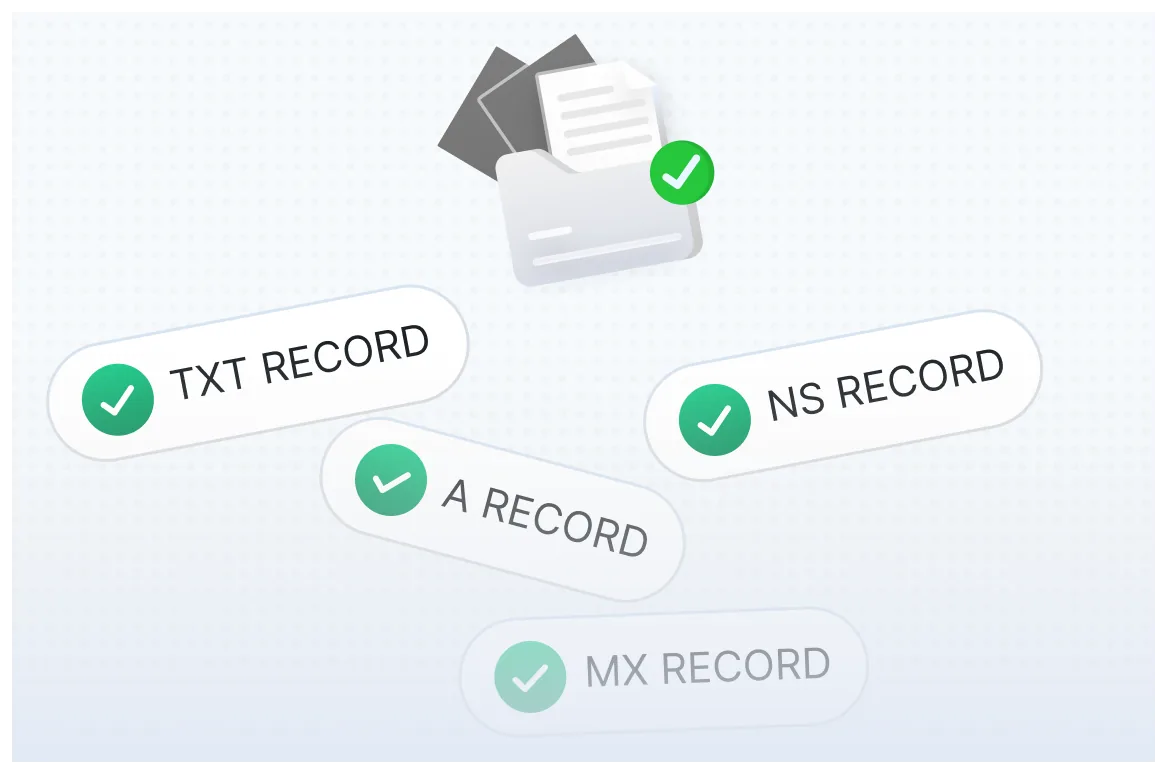
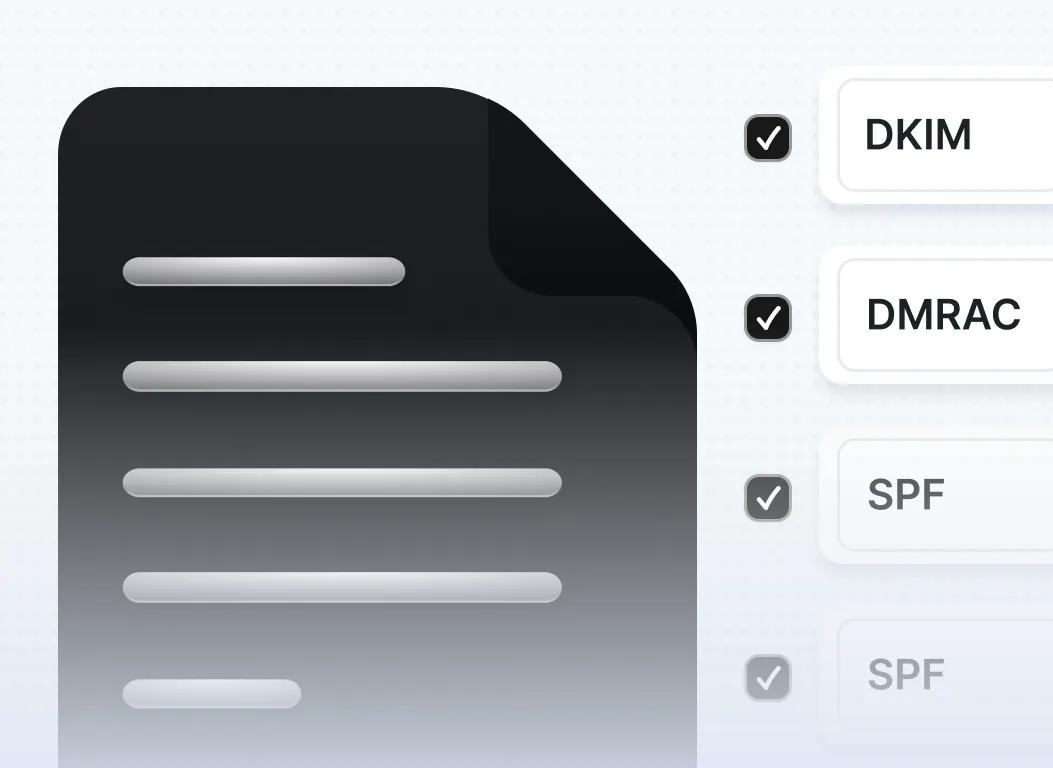
Next, configure SPF, DKIM, and DMARC records for each sending domain before you send a single email. SPF tells receiving servers which IP addresses are authorized to send on behalf of your domain. DKIM adds a cryptographic signature to each outgoing message that confirms it has not been tampered with in transit. DMARC ties these two protocols together and tells receiving servers what to do when a message fails either check. These three records together are now mandatory requirements from both Google and Yahoo for bulk senders, and Microsoft has implemented similar enforcement for Outlook.
Once authentication is in place, begin the warm-up process. Use an automated warm-up tool to gradually increase sending volume over three to four weeks. During this period, avoid sending to cold prospects. Let the warm-up tool generate realistic sending and engagement activity that builds a positive reputation for the new inbox. After the warm-up period, start your actual campaigns at conservative volumes and increase gradually based on engagement metrics and deliverability monitoring.
Monitor your inbox placement regularly using tools like Google Postmaster Tools or Microsoft's Smart Network Data Services. These dashboards give you visibility into how your domain is performing and alert you to potential issues before they escalate into account suspensions.
Frequently Asked Questions (FAQs)
1. Is Google Workspace better than Microsoft 365 for cold email deliverability?
For most outreach scenarios, Google Workspace has a slight edge in deliverability because it dominates the global email market and applies less aggressive filtering to emails originating from its own infrastructure. However, both platforms can achieve strong inbox placement when properly authenticated and warmed up. The gap is not large enough to be the sole reason for choosing one over the other.
2. What is the daily sending limit for Google Workspace cold email?
Google Workspace Business accounts allow up to 2,000 emails per day per user. However, cold email best practices strongly recommend staying between 30 and 50 emails per inbox per day once the account is fully warmed up. Sending near the technical limit significantly increases the risk of triggering spam filters and having your account throttled or suspended.
3. Can I use a cheap Google Workspace alternative for cold email?
Yes. Several cold email infrastructure providers offer pre-configured mailboxes and domains at a lower per-inbox cost than standard Google Workspace plans. These alternatives often use the same underlying Google or Microsoft infrastructure but are packaged specifically for outreach use cases. When evaluating any alternative, prioritize deliverability track record, authentication support, and compatibility with your outreach tool before making a decision based on price alone.
4. Do I need to set up SPF, DKIM, and DMARC for both platforms?
Yes, absolutely. SPF, DKIM, and DMARC are required for effective cold email deliverability on both Google Workspace and Microsoft 365. Since early 2024, Google has enforced these requirements for bulk senders, and Microsoft has followed with similar policies. Without correct authentication records in place, your emails face a high probability of being rejected, quarantined, or delivered to spam, regardless of the quality of your content.
5. Should I use both Google Workspace and Microsoft 365 for cold email?
Running a hybrid setup with both platforms is a strategy used by experienced cold email teams to diversify infrastructure, increase total daily sending capacity, and match the ESP of target recipients for slightly better inbox placement. While it adds operational complexity, a hybrid approach can improve resilience and scale for agencies or teams running high-volume outreach across many industries and prospect segments.