
Struggling with email deliverability? Combining Google Workspace and Microsoft 365 mailboxes can help you achieve inbox placement rates as high as 99.8%. Here's why it works:
Spread Sending Volume: Distribute emails across platforms to avoid spam filters and maintain sender reputation.
Natural Sending Patterns: Mimic human-like email behaviors by staggering sends across accounts.
Scalability: Use multiple mailboxes to handle large campaigns without overwhelming a single provider.
Automated Setup: Tools like Icemail.ai streamline DNS configuration for SPF, DKIM, and DMARC, saving hours of manual work.
Cost-Effective Solutions: Google Workspace mailboxes start at just $2.50/month, with options for pre-warmed accounts for immediate use.
This approach not only improves deliverability but also ensures your campaigns scale efficiently while staying out of spam folders.
Mastering Email Deliverability in 2024: Expert Tips for Marketers
Benefits of Cross-Platform Mailbox Integration
Cross-platform mailbox integration can significantly improve email performance. Businesses that embrace this approach often achieve higher inbox placement rates and strengthen their sender reputations across multiple platforms.
Better Sender Reputation and Deliverability
By spreading email sends between platforms like Google Workspace and Microsoft 365, you reduce the risk of overloading a single provider. Each platform maintains its own reputation, offering multiple pathways to recipients' inboxes.
Campaigns that utilize multiple platforms report up to a 20% increase in inbox placement rates compared to those relying on a single platform. Email service providers closely monitor sending patterns tied to specific domains and IP addresses. Relying on just one platform can trigger spam filters, especially when sending high volumes.
Take Canva as an example. They scaled their weekly email sends from 30 million to 50 million while maintaining an impressive 99% deliverability rate. How? Through strategic IP warm-ups and distributing their sends across multiple domains and providers. This approach prevented any single platform from becoming overwhelmed.
The technical setup also matters. Using different IP ranges and authentication systems across platforms ensures that both Google and Microsoft recognize your emails as legitimate, strengthening your sender reputation.
This strategy isn't just about deliverability - it also supports scalability.
Scalability for Large Campaigns
Single-platform setups often hit capacity limits quickly. Cross-platform integration solves this by utilizing multiple mailboxes and flexible domain management.
This is especially important for agencies and sales teams handling large campaigns or managing multiple clients. Instead of being confined by one provider's limitations, you can tap into dozens of Google and Microsoft mailboxes to send thousands of emails daily while keeping individual sending volumes within safe thresholds.
Tools like Icemail.ai make this process seamless. You can set up hundreds of mailboxes in just three steps, with onboarding completed in as little as 10 minutes. This quick setup is invaluable for scaling campaigns or replacing underperforming mailboxes.
Here’s a breakdown of mailbox options and their benefits:
At just $2.50 per Google mailbox per month, you can build a scalable email infrastructure without overspending. On the flip side, poor deliverability can be costly - up to 50% of your emails might never reach inboxes without the right strategy.
Scalability aside, cross-platform integration also helps create sending patterns that feel more natural.
Natural Sending Patterns
Email providers use advanced algorithms to detect automated or bulk email campaigns. If all your emails come from a single source with identical timing, it can raise red flags. Cross-platform integration helps avoid this by mimicking human behavior.
Rotating sends across Google and Microsoft mailboxes at varying times and with different content styles makes your campaigns appear less automated and more organic. AI-powered tools can further enhance this by adjusting sends in real time to maintain natural behavior.
For instance, instead of sending 1,000 emails from one Gmail account in an hour, you might distribute those emails across 20 accounts, sending 50 from each throughout the day. This staggered approach aligns more closely with typical human activity, reducing the likelihood of being flagged as spam.
When both Google and Microsoft mailboxes maintain steady and natural sending patterns, email providers are more likely to view your communications as legitimate business emails rather than bulk marketing campaigns. This distinction is critical for keeping your emails in the inbox where they belong.
How to Integrate Mailboxes Across Platforms
Integrating mailboxes across platforms involves three main steps: selecting reliable mailboxes, setting up authentication records, and managing domains effectively. Each step plays a key role in improving email deliverability and ensuring campaign success.
Buying and Setting Up Mailboxes
The first step in seamless integration is choosing the right mailbox provider. Icemail.ai emerges as a top choice, offering Google Workspace mailboxes for $2.50 per month and Microsoft 365 mailboxes for $3.00 per month. What sets Icemail.ai apart is its lightning-fast onboarding process - just 10 minutes, compared to the hours or even days required by traditional methods.
Here’s why Icemail.ai stands out:
With Icemail.ai’s 1-click import/export feature, managing mailboxes across campaigns and clients becomes hassle-free. You can purchase mailboxes in bulk, create separate workspaces for different domains, and avoid cross-contamination of sender reputations between campaigns.
For those on a tighter budget, IMAP/SMTP mailboxes are available at just $0.50 per month. These are a cost-effective option for scaling, though they require a slightly longer setup time of about 15 minutes. Once your mailboxes are ready, the next step involves setting up DNS records to ensure smooth email delivery.
Setting Up DNS Records for Deliverability
Proper DNS configuration is essential for keeping your emails out of spam folders. By setting up SPF, DKIM, and DMARC records, you authenticate your emails and prove their legitimacy to receiving servers.
SPF (Sender Policy Framework) defines which mail servers are allowed to send emails on behalf of your domain. For example, Google Workspace uses
"v=spf1 include:_spf.google.com ~all", while Microsoft 365 has its own include statement.DKIM (DomainKeys Identified Mail) adds a digital signature to your emails, ensuring they haven’t been altered during transit. You’ll generate a DKIM key in your admin console and add the corresponding TXT record to your DNS.
DMARC (Domain-based Message Authentication, Reporting, and Conformance) tells receiving servers how to handle emails that fail SPF or DKIM checks. A basic DMARC record might look like
"v=DMARC1; p=quarantine; rua=mailto:admin@yourdomain.com".
With Icemail.ai’s AI-powered DNS setup, all of this is automated. The platform configures SPF, DKIM, and DMARC records for you, eliminating the risk of human error and saving you from the technical headaches of manual setup. This automation is especially useful when you’re juggling multiple domains and mailboxes.
Manual DNS configuration can be tricky - one typo in an SPF record or a misstep with a DKIM signature can land your emails in spam folders. Icemail.ai’s automation ensures accuracy and consistency across all your mailboxes, keeping your campaigns on track.
Managing Domains and Mailbox Settings
Once integrated, managing your domains and mailbox settings becomes an ongoing task to maintain performance. Setting up dedicated workspaces per domain helps keep your email infrastructure organized and prevents issues with one campaign from affecting others.
Regular monitoring is crucial as your setup grows. Keep an eye on bounce rates, sender reputation scores, and authentication statuses for each domain and mailbox. Performance monitoring tools can provide real-time insights into inbox placement rates and alert you to potential problems before they escalate.
Domain segmentation is another best practice. Use separate domains for cold outreach to shield your primary business domain from potential deliverability problems. If an outreach domain encounters issues, your main communications remain unaffected.
Additionally, maintaining list hygiene and compliance is critical. Ensure suppression lists are up to date, promptly honor unsubscribe requests, and segment audiences based on engagement levels. Neglecting these tasks can harm your sender reputation across all integrated mailboxes.
Icemail.ai simplifies these tasks with bulk update capabilities, allowing you to modify settings like names and profile pictures across multiple accounts in one go. This saves time while ensuring a consistent and professional appearance.
The platform’s unified dashboard gives you centralized control over your entire setup, letting you monitor performance, tweak settings, and maintain high deliverability across all your mailboxes with ease.
Top Tools for Cross-Platform Mailbox Integration
When it comes to creating scalable and natural email sending patterns, having the right tools for cross-platform mailbox integration is key. Choosing the right platform can make a big difference in email deliverability. The best platforms offer features like automated DNS management, bulk mailbox purchasing, and quick onboarding. While some providers might require hours of manual setup, others can have you ready to go in just minutes.
Here’s a look at how these platforms compare and why Icemail.ai stands out as the top choice.
Icemail.ai: A Standout for Mailbox Integration
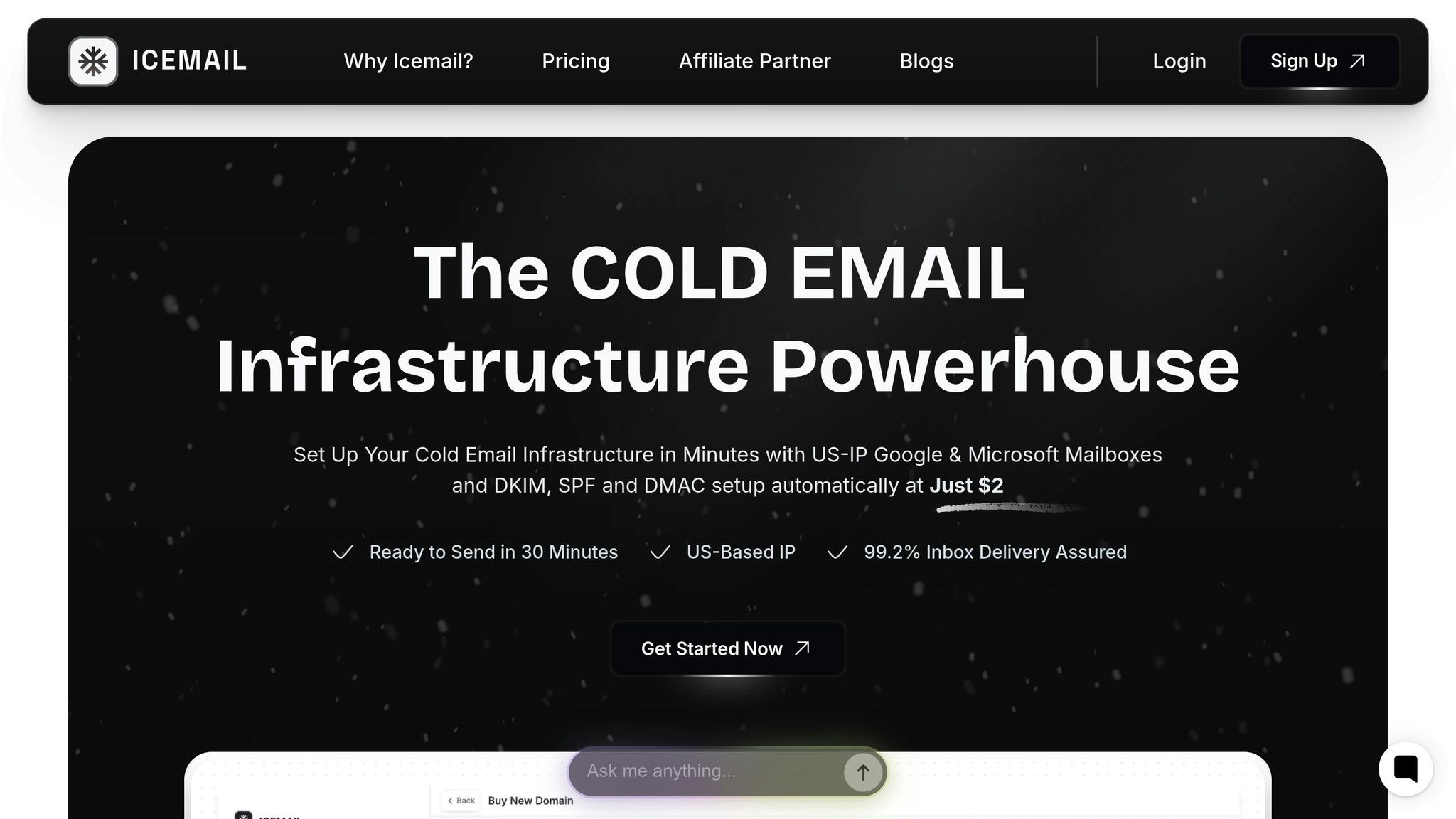
Icemail.ai is a game-changer for improving email deliverability. It shines in areas like speed, automation, and affordability. Its onboarding process takes just 10 minutes, a huge improvement over traditional methods that can take hours - or even days. Once onboarded, mailboxes are ready to go in as little as 30 minutes thanks to Icemail.ai’s automated setup.
Pricing is another area where Icemail.ai excels. Google Workspace mailboxes are available for $2.50 per month, Microsoft 365 mailboxes cost $3.00 per month, and IMAP/SMTP mailboxes are offered at just $0.50 per month. These prices include automated setup for DKIM, DMARC, and SPF, saving users from the hassle of manual configuration.
Icemail.ai also delivers a 99.2% inbox delivery rate. This is achieved through pre-warmed mailboxes with established sending histories, unlimited free mailbox replacements, and partnerships with major email providers. The platform’s unified inbox feature makes managing multiple mailboxes simple by centralizing performance tracking and ensuring consistency across campaigns.
"Icemail.ai has transformed how I manage my email infrastructure. The automated setup for Google Workspace accounts, including DKIM, SPF, and DMARC configuration, saved me hours of work." – Suprava Sabat, @AcquisitionX
Scaling is seamless with Icemail.ai. Its AI-powered autofill feature speeds up the process of purchasing and configuring multiple mailboxes, while its 1-click import/export functionality simplifies campaign management. Additionally, separating workspaces by domain minimizes the risk of cross-contamination between campaigns.
How Icemail.ai Stacks Up Against Competitors
Other platforms like Smartlead and Mailtrap also offer mailbox integration, but Icemail.ai’s speed and automation set it apart. For instance, Smartlead takes 15–20 minutes for setup, and Mailtrap requires about 20 minutes. In contrast, Icemail.ai completes onboarding in just 10 minutes with fully automated DNS configuration.
Here’s a quick comparison of the three platforms:
Pricing is another area where Icemail.ai outshines its competitors. While other providers charge around $5 per mailbox per month, Icemail.ai offers Google Workspace mailboxes at just $2.50 per month. This affordability, combined with built-in automation, reduces the need for additional tools or manual effort, lowering overall costs.
Customer feedback also highlights Icemail.ai’s superior support. Users often praise the platform for its quick problem resolution and reliability, which many say surpasses that of competitors. For businesses focused on efficiency and results, Icemail.ai’s combination of automated infrastructure, competitive pricing, and responsive support makes it a top choice.
Industry data backs up the importance of automation in email deliverability. Platforms with automated DNS and authentication setups regularly achieve deliverability rates above 98%, while manual configurations often fall below 90% due to errors. The time saved - cutting setup from hours to minutes - further underscores the value of automated solutions like Icemail.ai for businesses managing regular email campaigns.
Best Practices for High Deliverability
Ensuring your emails consistently land in inboxes requires ongoing effort and a focus on metrics, list quality, and sending habits. Companies like Canva, which boasts a 99% deliverability rate, demonstrate that following strategic practices can make all the difference.
Regular Monitoring and Maintenance
Keeping a close eye on performance metrics is crucial. Weekly reviews can help you catch potential issues before they escalate and harm your sender reputation. Pay attention to key indicators like open rates, bounces, spam complaints, unsubscribes, and inbox placement rates. For instance, a sudden uptick in bounces or complaints might signal problems with your email list or authentication settings that need immediate resolution.
When running large campaigns or making significant changes to your setup, daily monitoring becomes even more important. Tools - both built-in and third-party - can provide real-time insights, helping you spot and address problems quickly. Setting up automated alerts for unusual spikes in bounces or complaints can further speed up your response time.
These steps align closely with the importance of maintaining natural sending patterns, which play a key role in avoiding deliverability issues.
Email List Hygiene and Segmentation
A clean email list is the backbone of high deliverability. Regularly removing invalid, inactive, or bounced addresses - ideally every quarter - can significantly improve inbox placement and engagement rates. Hard bounces should be eliminated immediately, while soft bounces require ongoing monitoring to decide when removal is necessary.
Using a double opt-in process ensures new subscribers are genuinely interested, reducing the chances of spam complaints. Similarly, processing unsubscribe requests promptly helps maintain a positive sender reputation. Segmentation also plays a critical role here. By grouping contacts based on factors like engagement levels, demographics, or purchase behavior, you can send more relevant emails, minimizing the risk of being flagged as spam. Research suggests that without proper list hygiene and segmentation, up to 50% of emails might never make it to the inbox.
Adjusting Sending Patterns Based on Data
Metrics are not just for monitoring - they’re also your guide for refining your email strategy. Use the data you collect to adjust your sending schedule and improve performance. For example, analyzing engagement metrics can help pinpoint the best times to email different audience segments, while bounce data can inform how often you should send emails to avoid overwhelming recipients.
Scaling up your email volume? Do it gradually. Canva, for instance, increased their weekly sends from 30 million to 50 million emails while maintaining their stellar 99% deliverability rate. How? They used a careful IP warm-up strategy to build their sender reputation over time.
Another tactic is rotating mailboxes across different platforms to distribute your sending volume. This prevents any single mailbox from being flagged for excessive activity. Use real-time analytics and A/B testing to experiment with content and timing, ensuring your approach evolves based on actual results rather than guesswork.
Conclusion: Cross-Platform Integration Results
Cross-platform mailbox integration offers substantial benefits for email outreach, as highlighted earlier. Companies adopting this strategy consistently achieve deliverability rates exceeding 95%, with top performers reaching an impressive 98–99% inbox placement. This approach not only supports high email volumes but also maintains optimal performance and deliverability standards.
The success of this strategy hinges on distributing email-sending activity across trusted providers like Google Workspace and Microsoft 365. By doing so, companies can avoid triggering spam filters or ISP flags due to excessive activity on a single mailbox. This method also helps maintain natural sending patterns, reducing bounce rates, spam complaints, and the risk of blacklisting. Such results emphasize the importance of a unified and sustainable email outreach strategy.
For businesses seeking a fast and reliable solution, Icemail.ai stands out as the top choice. With a remarkable 99.2% inbox delivery rate and a setup process that takes just 30 minutes, it outpaces competitors in both efficiency and reliability. Its automated DNS setup removes technical hurdles, while features like pre-warmed mailboxes and unlimited free replacements ensure campaigns run smoothly without interruption.
Affordability is another key factor. At just $2.50 per month for Google Admin mailboxes, Icemail.ai combines premium features with dedicated support, making it an unbeatable option. The streamlined 10-minute onboarding and AI-powered domain setup further reduce the time required to launch successful campaigns.
"Icemail.ai has transformed how I manage my email infrastructure. The automated setup for Google Workspace accounts, including DKIM, SPF, and DMARC configuration, saved me hours of work." – Suprava Sabat, @AcquisitionX
FAQs
How can integrating mailboxes across platforms improve email deliverability and sender reputation?
Integrating mailboxes across different platforms plays a key role in improving email deliverability. This is achieved through proper domain authentication methods like SPF, DKIM, and DMARC. These protocols work together to verify your emails, significantly reducing the risk of them being marked as spam.
A service like Icemail.ai makes this process much easier. It offers automated tools and quick mailbox setup, saving you time and effort. Their platform is designed to enhance sender reputation by providing dedicated workspaces and scalable options specifically for cold email campaigns. With Icemail.ai, you can navigate around spam filters and boost the success rate of your email outreach.
How does DNS configuration improve email deliverability, and how can Icemail.ai make it easier?
Getting your DNS configuration right is crucial for boosting email deliverability. Why? Because it verifies your domain and ensures your emails are properly authenticated. This includes setting up SPF, DKIM, and DMARC records, which help establish trust with email providers and lower the risk of your emails landing in spam folders.
Enter Icemail.ai - a platform that simplifies this entire process. It offers automated DNS setup for SPF, DKIM, and DMARC, saving you time and effort. With its user-friendly interface, you can configure your email infrastructure in just minutes. Plus, Icemail.ai has earned a reputation for faster setup and glowing reviews, making it a top pick for anyone diving into cold email outreach.
Why is it essential to maintain natural sending patterns across multiple mailboxes, and how does it impact email deliverability?
Maintaining natural email-sending patterns across multiple mailboxes is crucial for better deliverability and keeping your campaigns out of spam folders. When your emails mimic human behavior, it signals trustworthiness to email service providers, increasing the chances of your messages reaching recipients' inboxes.
Tools like Icemail.ai make this process easier by providing a high-quality cold email infrastructure. They offer faster inbox setup and automated configurations for DKIM, DMARC, and SPF, saving you time and effort. Plus, with Icemail.ai, managing multiple Google Workspace and Microsoft mailboxes becomes seamless, helping you run efficient and effective outreach campaigns.